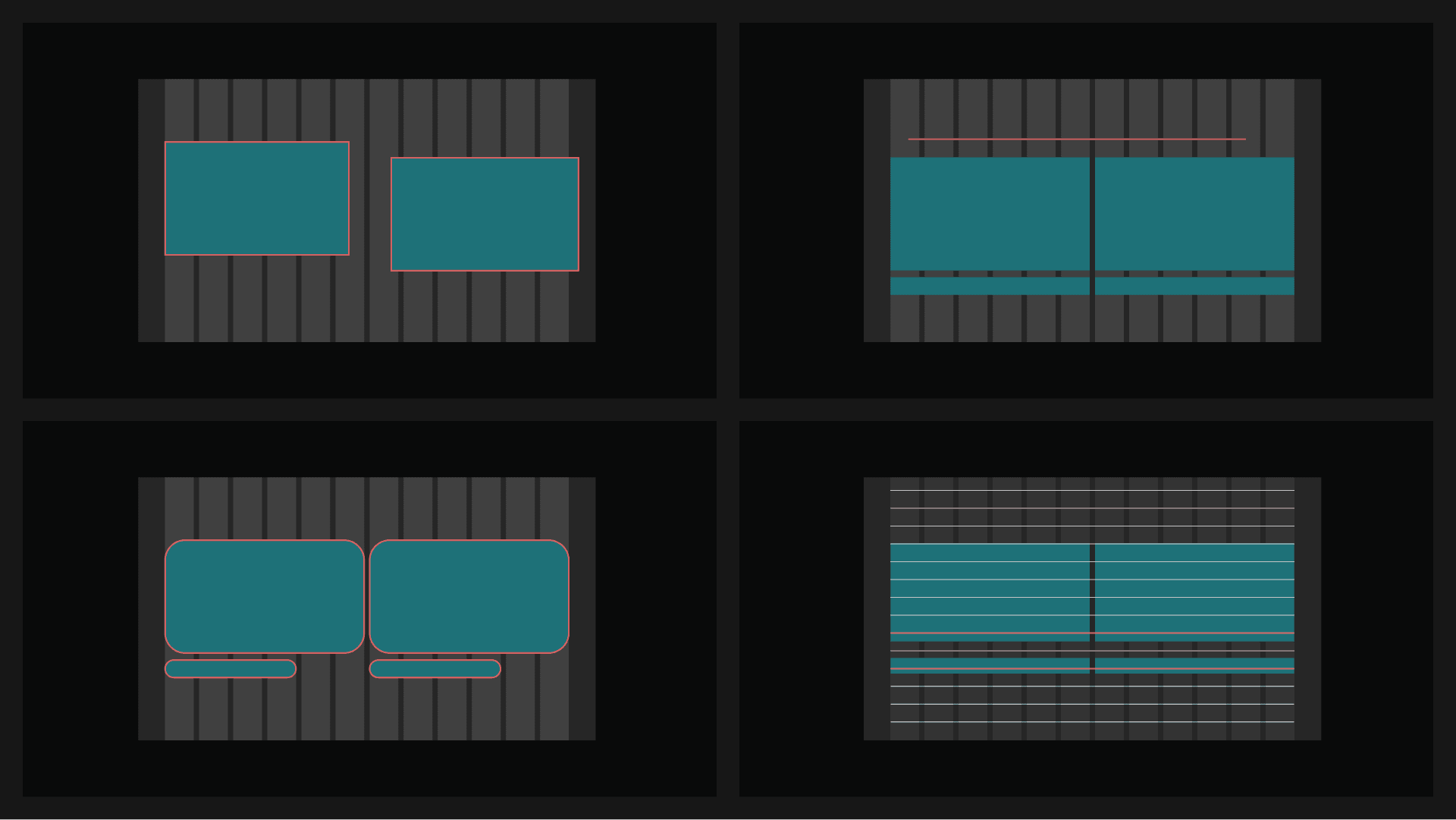
The BrandFrame layout system is defined by its mathematical rigor. By balancing heavy headlines with generous whitespace, we ensure that every element has a functional purpose within the frame.
Dynamic Grid System
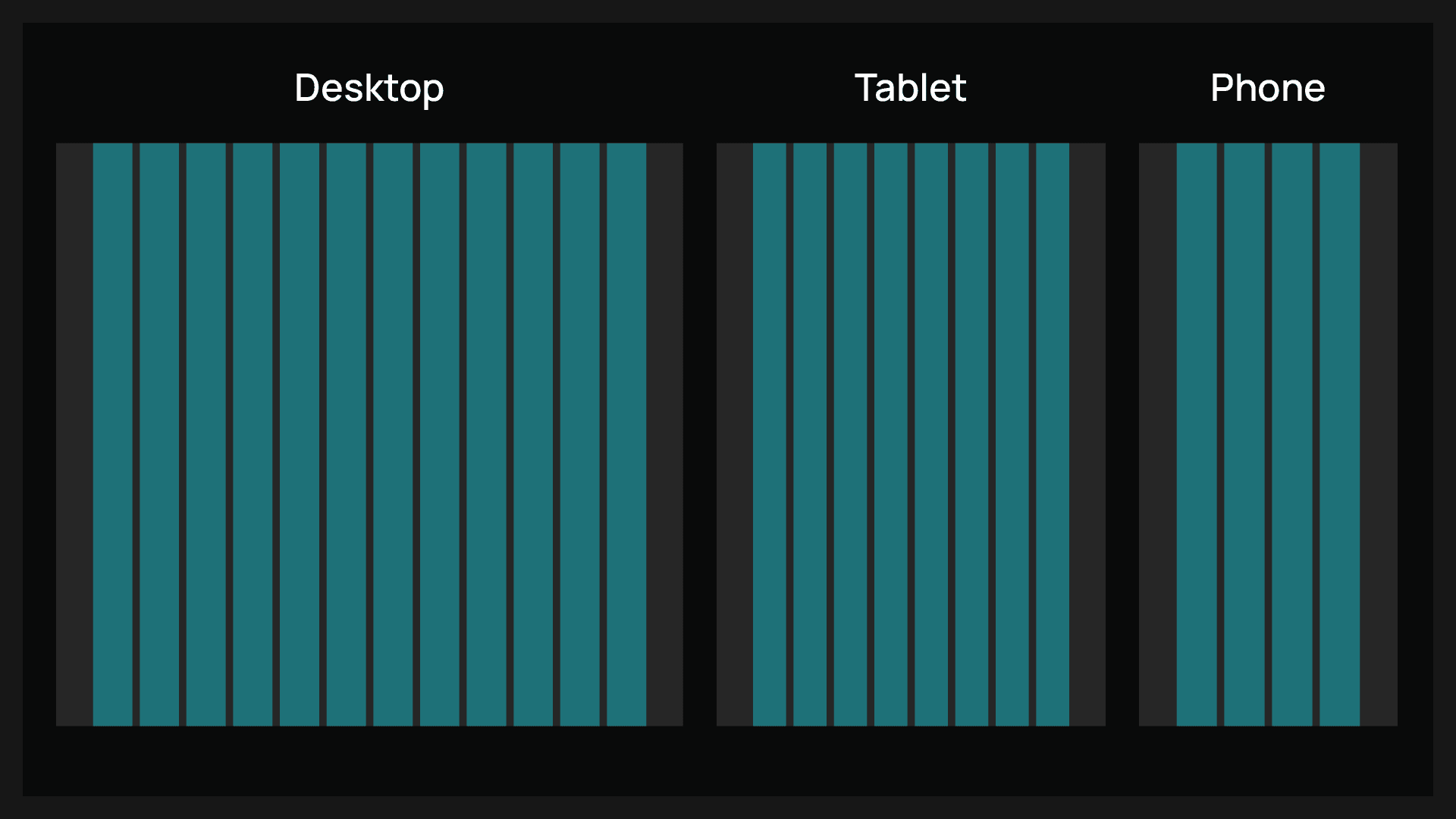
Engineered for digital precision, the BrandFrame dynamic grid system is configured in 12, 8, and 4 columns to accommodate various viewport scales. This mathematical structure is directly derived from our 4px base unit system, ensuring absolute alignment between container boundaries and typographic rhythm.
Placing Elements on the Grid
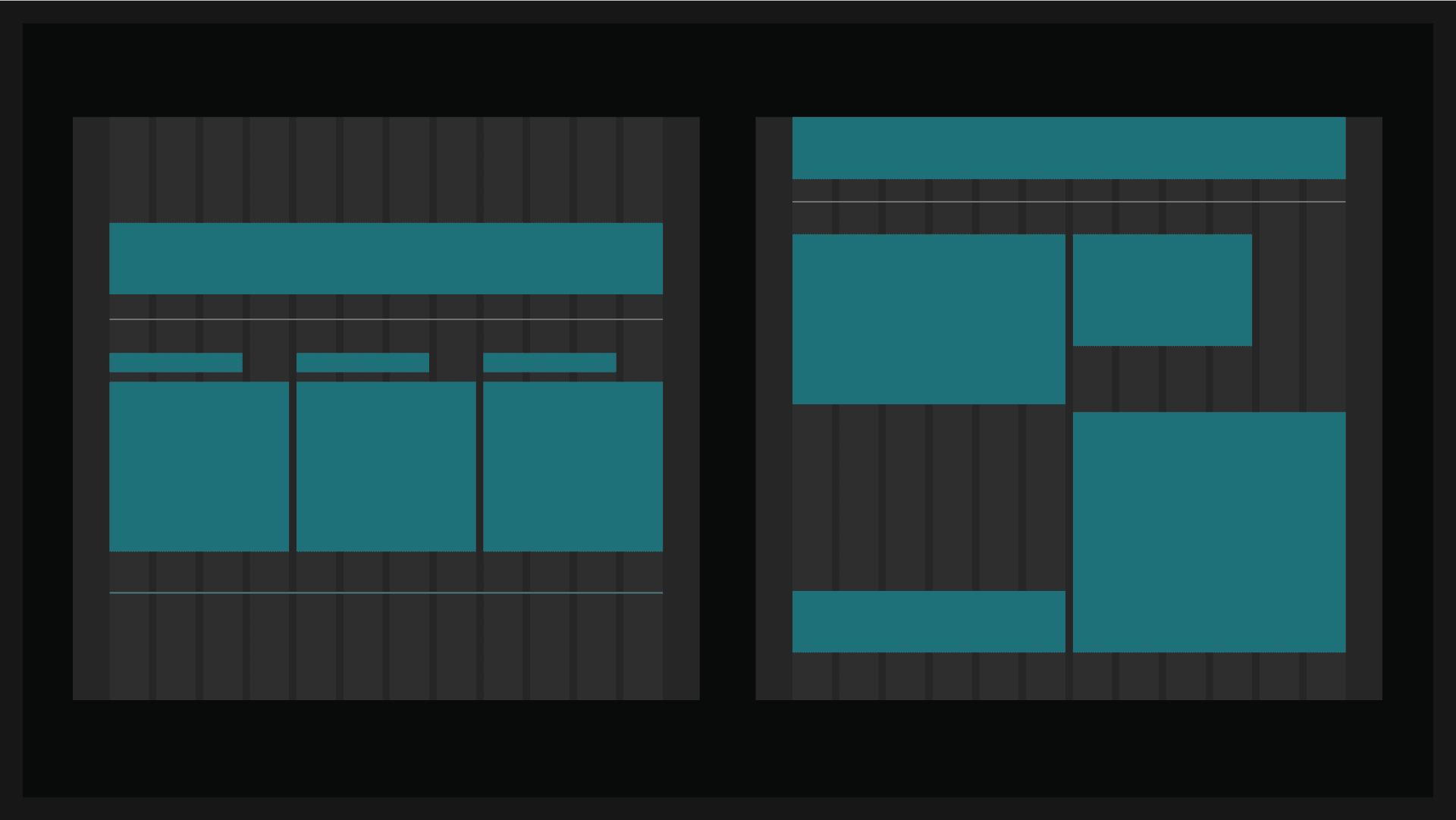
The grid is more than a guide; it is a structural tool that dictates the placement of every asset. By adhering to the vertical axes, we maintain visual tension and promote high readability across all layout orientations.
The Process:
Start from the Grid: Define the main canvas boundaries.
Divide the Space: Use 1px dividers to segment functional areas.
Position the Elements: Snap headlines and components to the left-aligned axes.
Layout System: Don’ts
Grid Misalignment: Never position elements between columns; every edge must snap to an axis.
Orphan Lines: Do not use dividers that lack a clear start or end point within the grid.
Corner Rounding: Strictly avoid any border-radius. All corners must remain at 90°.
Improper Gutters: Do not ignore the predefined spacing units (4-72px) when separating content blocks.